How to Make a Corporate Video Interview People Actually Watch
By Kevin Grafton, Director
Why most interview videos lose viewers
Interviews are one of the most common videos companies ask us to make. Executive messages, customer stories, employee profiles and expert explainers all rely on one person talking to camera. They are also easy to get wrong. A nervous speaker, poor sound or a long ramble with no clear point loses viewers within seconds.
The good news is that most problems are predictable, and almost all of them are solved before the camera starts recording. This guide follows a shoot from start to finish: planning, directing on the day, the technical basics, and the edit.
Before the shoot
Decide what the video must say. Write down the one thing a viewer should remember, and who that viewer is. A recruitment video and an investor message can feature the same CEO and need completely different answers.
Choose the right person. The best speaker is someone credible and comfortable explaining the topic, who may or may not be the most senior person. An engineer who lights up talking about the product often beats a manager reading key messages.
Prepare questions and leave the answers unwritten. Send the topics a few days ahead so the speaker can think about them. Scripted answers almost always sound stiff on camera. If exact wording is required, such as a legal statement, plan for a teleprompter and a short rehearsal.
Let people speak in their strongest language. A Thai executive speaking confidently in Thai, with English subtitles, comes across far better than the same person struggling in English. Decide on subtitles and voiceover in the brief so they are budgeted from the start.
Pick a quiet location with meaning. A meeting room next to the factory floor gives you a relevant backdrop without machine noise. In Bangkok, check for traffic, construction and air conditioning noise before shoot day, and ask whether the air conditioning can be switched off while recording.
On the day: directing the interview
Warm up before recording. First answers are usually the stiffest. A few minutes of conversation about the topic, or about anything at all, relaxes the speaker before the questions that matter.
Ask for answers that stand alone. The interviewer's voice is usually cut, so the speaker should include the question in the answer. "Our biggest challenge was…" works on its own, while "It was the supply chain" does not.
Decide where the speaker looks. Looking at the interviewer, just beside the camera, feels like a natural conversation. Looking straight into the lens feels like a direct address, which suits a CEO message to staff.
Ask again for a shorter answer. If an answer runs long, thank the speaker and ask for the same point in two sentences. The second version is almost always the one used.
Film B-roll the same day. Shots of the speaker at work, the team, the product and the location cover edit points and keep the video moving. Plan a shot list in advance so it is not an afterthought.
The technical basics
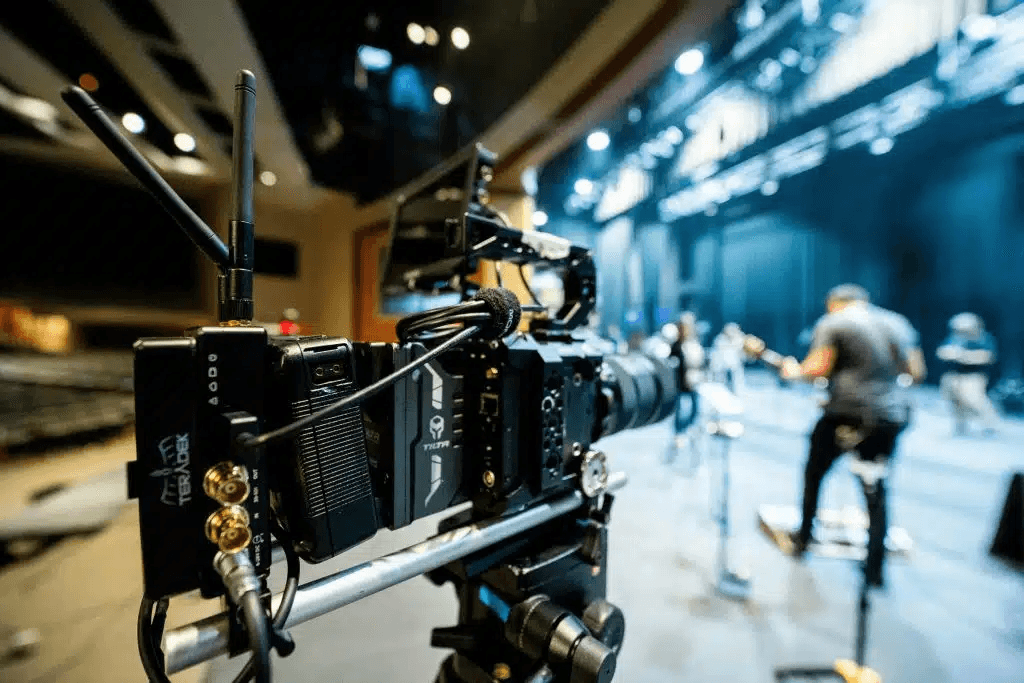
Sound comes first. In our experience, viewers will forgive a slightly soft image long before they forgive muddy or echoing sound. Use a lavalier microphone on the speaker with a second microphone as backup, and record 30 seconds of silent room tone for the editor.
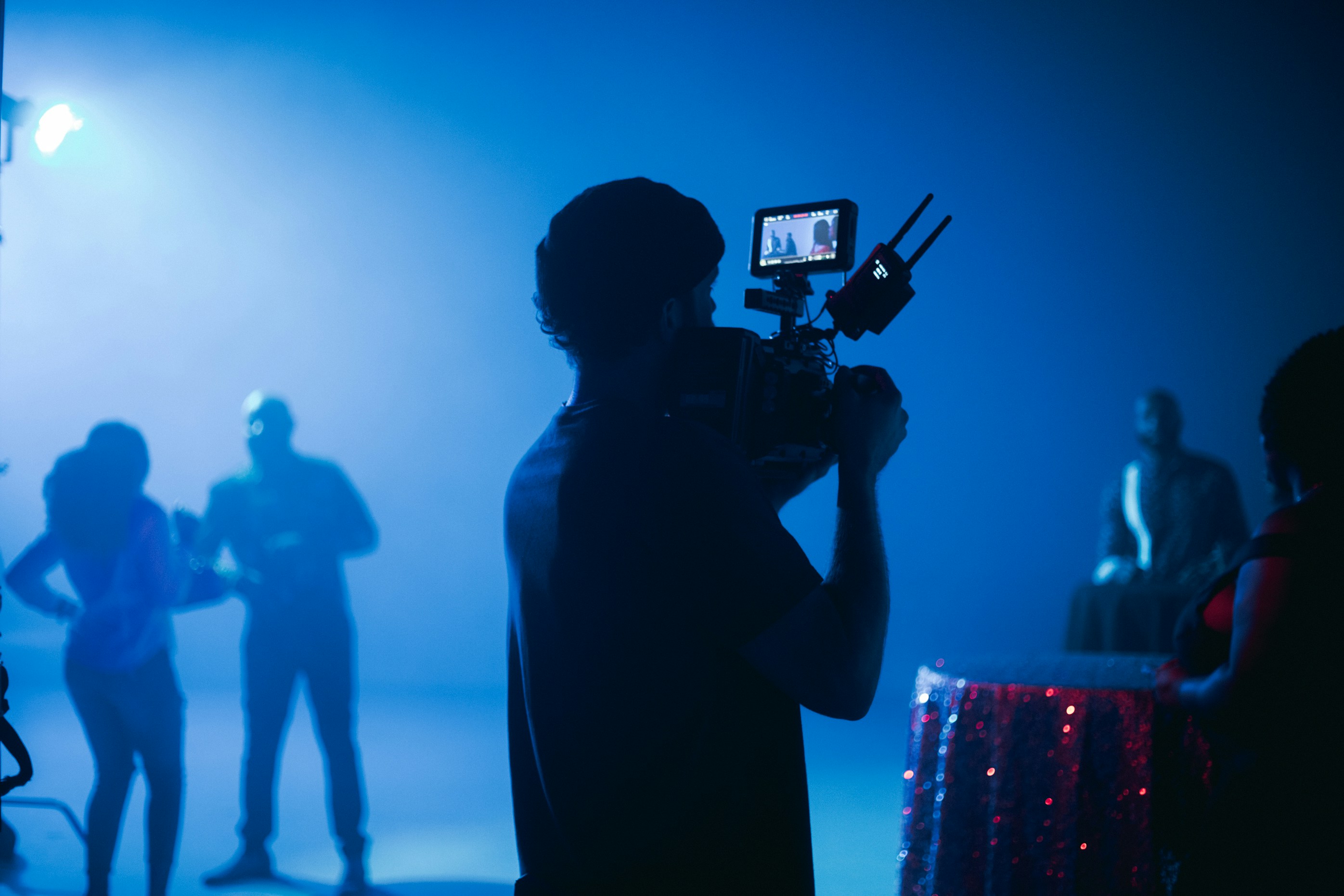
Light the face, then separate it from the background. A main light to one side, a softer fill on the other, and a little light behind the speaker give depth. Avoid placing the speaker in front of a bright window, which turns them into a silhouette.
Use two cameras when you can. A wide shot and a close-up let the editor cut between angles, which hides edits and keeps a long answer visually interesting.
Frame at eye level. Place the camera at the speaker's eye height, with a little space above the head and more space on the side they are looking toward. If the video will also run as a vertical social clip, frame wide enough to crop to 9:16.
In the edit
Approve the selected answers before the full edit. We send a transcript of the best answers in order before cutting the video. Agreeing on the story at this stage saves a full revision round later.
Keep it short. Most interview videos work best at one to two minutes, with 30 to 60 second cutdowns for social media. Long answers can be trimmed to a single clear sentence.
Cover the cuts. Use B-roll over edit points so the speaker does not appear to jump, and to show what they are describing.
Subtitle everything. Many people watch on mute, especially on LinkedIn and Facebook. Burned-in subtitles in Thai, English or both make the video work without sound.
Our executive interview for ENEOS Thailand is an example of this process from planning to final delivery. [Embed or link the video here.]
Frequently asked questions
Should the speaker get the questions in advance?
Yes, as topics. Knowing what will be asked lets them think it through, which leads to clearer answers. Ask them to avoid memorizing a script, because recited answers sound stiff.
How long does an interview shoot take?
Most single-location interview shoots fit in one day, including setup, the interviews and B-roll. Several speakers or locations may need more time.
Can we interview someone in Thai and publish in English?
Yes. Film in the language the speaker is most comfortable in, then add English subtitles or a voiceover. Plan this in the brief so translation and subtitling are part of the schedule.
What should the speaker wear?
Solid colors work best. Avoid fine stripes and small checks, which can shimmer on camera, and bright white, which can lose detail. Bring a second outfit in case the first clashes with the background.
About The Author

Kevin Grafton is the director at Digital Distinct, a production house in Bangkok. He has directed TVCs, brand films, social campaigns, and corporate videos for brands in both Thai and English
LOOKING FOR A VIDEO PRODUCTION HOUSE IN BANGKOK?